Blog Summary
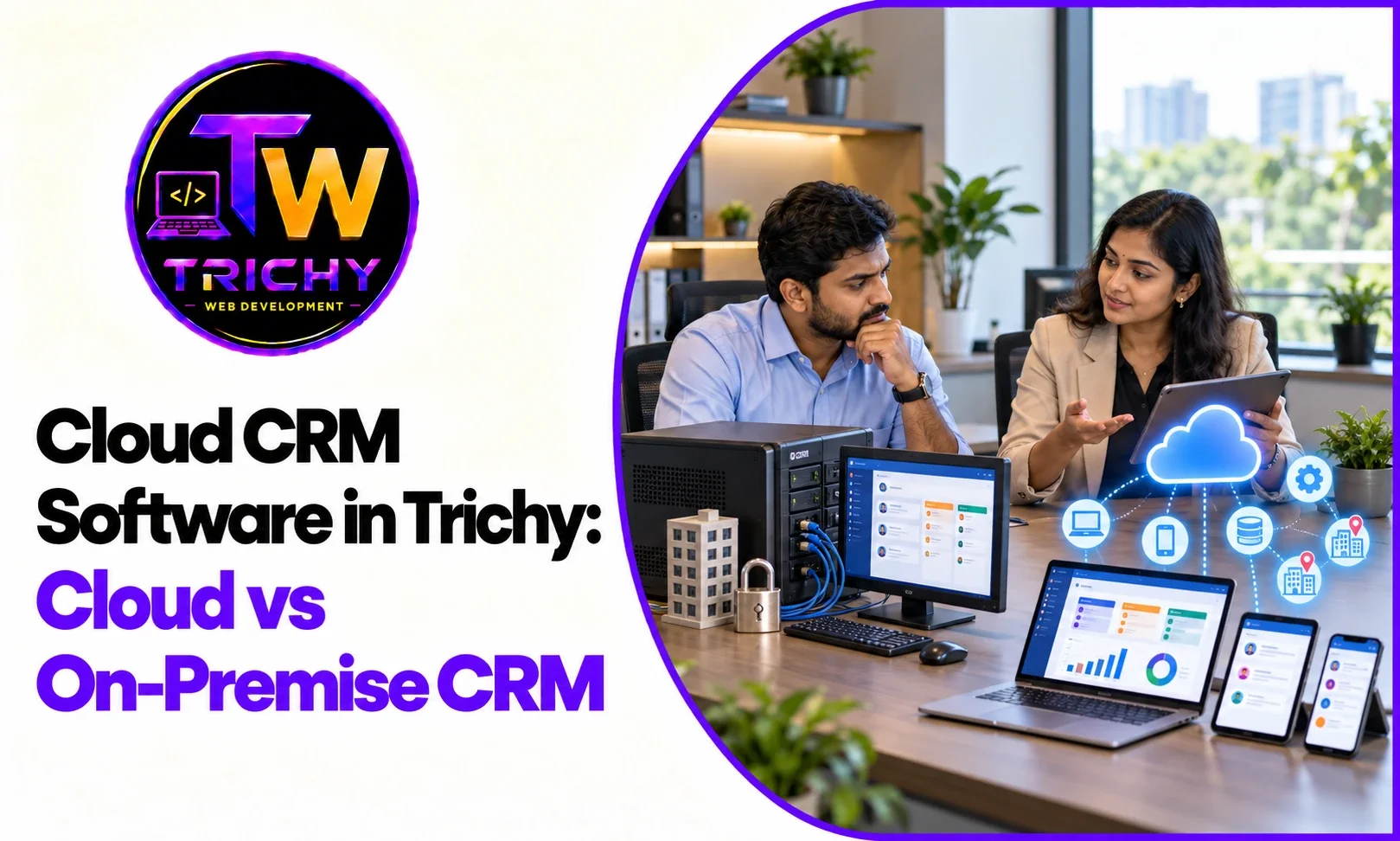
CRM systems have traditionally been installed and managed on business-owned servers or local infrastructure. While on-premise CRM can provide direct infrastructure control, it also requires organizations to manage hardware, software updates, backups, security, availability, and remote access.
Cloud CRM software in Trichy provides an alternative in which CRM applications and supporting infrastructure are hosted in a cloud environment. Employees can access the system through supported devices and internet connections, while infrastructure management depends on the selected cloud service and hosting model.
For businesses with distributed teams, growing customer databases, multiple branches, or changing infrastructure requirements, cloud-based CRM can offer operational flexibility. However, the right choice depends on security requirements, connectivity, customization, cost, integrations, and existing infrastructure.
Quick Answer: Why Are Businesses Moving From On-Premise CRM to Cloud CRM?
Businesses may move from on-premise CRM to cloud CRM because cloud environments can reduce the need to maintain dedicated CRM infrastructure while providing easier remote access, flexible resource management, centralized updates, and scalable hosting options.
However, migration is not automatically appropriate for every organization. Businesses should evaluate their existing CRM, data, integrations, security requirements, user needs, migration risks, and long-term costs before moving to a cloud environment.
Introduction
Customer relationship management systems often become central to daily business operations.
Sales teams use them to manage leads and opportunities. Customer-service teams use them to review customer history. Managers use dashboards to monitor sales activity. Marketing teams may use customer information for campaigns and segmentation.
Traditionally, businesses could host their CRM software on servers located within their own offices or data centers.
This approach is commonly known as on-premise CRM.
Today, businesses can also use cloud-hosted CRM platforms that allow authorized users to access the system through the internet.
This has changed the way organizations think about CRM infrastructure.
For businesses researching Cloud CRM software in Trichy, the decision is not simply about replacing a server. It involves evaluating how customer data, applications, users, security, integrations, and daily workflows will operate in the new environment.
What Is Cloud CRM Software?
Cloud CRM software is a customer relationship management application hosted within cloud infrastructure rather than being installed exclusively on a company's own physical servers.
Depending on the platform, the cloud environment may provide:
-
Application hosting.
-
Database infrastructure.
-
Storage.
-
Networking.
-
Security controls.
-
Backups.
-
Monitoring.
-
Scalability.
-
Application updates.
Users generally access the CRM through a web browser, application, or supported interface.
The exact responsibilities of the business and cloud provider depend on the CRM's service model.
What Is an On-Premise CRM?
An on-premise CRM is installed and operated within infrastructure controlled directly by the organization.
The business may be responsible for:
-
Physical servers.
-
Storage.
-
Operating systems.
-
Networking.
-
Database infrastructure.
-
Application installation.
-
Software updates.
-
Backups.
-
Security.
-
Hardware maintenance.
This model can provide significant infrastructure control, but it also requires the organization to maintain the environment.
Cloud CRM vs On-Premise CRM
A basic comparison can help businesses understand the differences.
|
Factor |
Cloud CRM |
On-Premise CRM |
|
Infrastructure |
Hosted in cloud environment |
Hosted on organization-controlled infrastructure |
|
Hardware management |
Usually handled by provider or hosting arrangement |
Business responsibility |
|
Remote access |
Generally easier to provide |
Requires appropriate network configuration |
|
Updates |
Often provider-managed or centrally administered |
Business-managed |
|
Scalability |
Generally flexible |
Depends on available hardware |
|
Initial infrastructure investment |
Often lower |
Can be higher |
|
Maintenance |
Depends on service model |
Primarily business responsibility |
|
Backup |
Can be integrated into cloud service |
Business must manage backup infrastructure |
|
Physical control |
Limited compared with owned infrastructure |
Greater direct control |
|
Deployment |
Can be relatively quick |
May require infrastructure setup |
|
Connectivity dependency |
Internet connectivity is generally important |
Can support local access depending on setup |
Actual capabilities vary significantly between CRM products and hosting models.
Why Businesses Are Considering Cloud CRM
1. Easier Access for Distributed Teams
Modern businesses may have employees working from different offices, branches, homes, or customer locations.
A cloud CRM can provide centralized access to the same customer information for authorized users without requiring the organization to maintain the CRM server at each location.
For example, a sales employee visiting a customer can potentially access relevant CRM information through a supported device rather than returning to the office to update records.
2. Centralized Customer Information
A cloud CRM can provide a centralized environment where customer information is maintained.
Instead of different branches maintaining separate customer spreadsheets or databases, an appropriately designed system can provide access to a common platform.
This can be particularly useful for organizations with:
-
Multiple branches.
-
Remote sales teams.
-
Customer-service teams.
-
Field employees.
-
Distributed management.
Access permissions should still be configured according to employee roles.
3. Reduced Physical Infrastructure Management
One of the reasons organizations explore Cloud-based CRM solutions in Trichy is the possibility of reducing the amount of physical infrastructure they need to maintain.
With an on-premise system, the organization may need to handle server failures, storage expansion, hardware upgrades, power requirements, and physical maintenance.
In a cloud environment, some of these responsibilities shift to the cloud provider or hosting service.
However, businesses still retain responsibility for areas such as application configuration, user access, data management, and security depending on the service model.
4. Flexible Resource Scaling
CRM workloads can grow as businesses add:
-
Customers.
-
Leads.
-
Employees.
-
Branches.
-
Data.
-
Integrations.
-
Reports.
-
Automated processes.
Cloud infrastructure can provide more flexible ways to increase resources as requirements change.
This can be useful for growing businesses that do not want to purchase additional physical infrastructure every time their CRM requirements increase.
5. Easier Software Updates
On-premise CRM systems may require organizations to plan software updates around their own infrastructure and technical resources.
Cloud CRM platforms may provide centralized updates through the provider.
The exact update process depends on the platform.
Businesses should still understand how updates are handled, whether customizations are affected, and how testing is performed.
6. Support for Multiple Locations
A business with multiple branches can benefit from having a centralized CRM environment.
For example:
Trichy Branch → Cloud CRM ← Other Branches
All authorized teams can potentially work from the same customer database.
This can reduce the need to maintain separate CRM environments at each location.
Understanding Online CRM Software
Online CRM software in Trichy generally refers to CRM systems that users access through an internet-connected browser or online application.
The main benefit is accessibility.
A sales employee can potentially access leads, customer records, tasks, and sales opportunities without being physically connected to the office's local network.
However, online accessibility should always be combined with appropriate authentication, authorization, secure connections, device management, and other security controls.
What Is a Web-Based CRM System?
A web-based CRM system in Trichy is a CRM application that users can access through a web browser.
Instead of installing the complete CRM application on every employee's computer, the primary application can be hosted centrally.
This can simplify access and administration.
For example:
User Device → Secure Connection → Web-Based CRM → Application + Database
The user interface can be accessed through a browser while the application and data are managed within the hosting environment.
The exact architecture varies according to the CRM platform.
Cloud CRM and Mobile Access
Mobile access can be particularly useful for sales and field teams.
Employees may need to:
-
View customer details.
-
Update lead status.
-
Record meeting notes.
-
Check follow-up tasks.
-
Review sales opportunities.
-
Update customer information.
A cloud-based CRM can support this type of workflow when the platform provides an appropriate mobile interface or application.
Mobile access should still include suitable security controls because customer information may be accessed outside the traditional office environment.
CRM Cloud Migration in Trichy
Businesses with existing on-premise CRM systems may consider CRM cloud migration in Trichy when their current infrastructure creates operational limitations.
Migration should not begin by simply copying the CRM database to a new server.
A structured migration should include several stages.
Step 1: Assess the Existing CRM
Document the current application, database, integrations, customizations, users, reports, and workflows.
Step 2: Review the Data
Identify active, outdated, duplicate, incomplete, and sensitive customer information.
Step 3: Map Dependencies
Determine which systems depend on the existing CRM.
These may include websites, APIs, accounting systems, marketing tools, ERP platforms, or internal applications.
Step 4: Define the Cloud Architecture
Determine the required application, database, storage, security, backup, networking, and monitoring components.
Step 5: Plan the Migration
Create a sequence for data migration, application deployment, testing, validation, and cutover.
Step 6: Test
Verify customer records, workflows, reports, integrations, user permissions, and application performance.
Step 7: Execute the Migration
Move the system during a controlled migration window.
Step 8: Validate
Confirm that users can access the system and that important workflows operate correctly.
Step 9: Monitor
Monitor performance, errors, security events, usage, and infrastructure resources after migration.
Cloud CRM Data Migration
Data is often the most sensitive part of a CRM migration.
Businesses may have years of customer information stored in the existing system.
Before moving it, organizations should consider:
-
Duplicate customers.
-
Incomplete records.
-
Outdated contacts.
-
Old leads.
-
Historical interactions.
-
Customer categories.
-
Custom fields.
-
Attachments.
-
Data relationships.
-
Data permissions.
Migrating unnecessary information can increase complexity.
A migration can therefore be an opportunity to clean and structure customer data before moving it to the new environment.
Security Considerations for Cloud CRM
Moving CRM data to the cloud does not eliminate security responsibilities.
Businesses should evaluate:
Authentication
How are users verified before accessing the CRM?
Authorization
What information can each user access?
Encryption
How is information protected during transmission and storage?
Backup
How are customer records and application data backed up?
Monitoring
Can suspicious access or unusual activity be identified?
Administrative Access
Who can change system configuration or access sensitive information?
Data Recovery
How quickly can CRM data be restored after a failure?
Security requirements should be reviewed before migration rather than after deployment.
CRM Hosting Solutions in Trichy
CRM hosting solutions in Trichy can take different forms depending on the business's requirements.
A business may use:
-
A SaaS CRM platform.
-
A cloud-hosted custom CRM.
-
A managed application hosting environment.
-
A dedicated cloud server.
-
A virtual private environment.
-
A hybrid CRM architecture.
The appropriate model depends on the CRM application, customization requirements, expected traffic, security needs, integrations, and management capabilities.
Businesses should also clarify who is responsible for infrastructure, application maintenance, backups, security updates, monitoring, and support.
Cloud CRM and Business Continuity
Business continuity is another consideration when evaluating CRM infrastructure.
Customer information may be essential for sales and service operations.
If the CRM becomes unavailable, employees may be unable to:
-
Access customer records.
-
Track sales opportunities.
-
View follow-up tasks.
-
Review service history.
-
Update customer information.
-
Generate certain reports.
Cloud environments can support business continuity strategies through backup, redundancy, monitoring, and recovery infrastructure.
However, these capabilities need to be deliberately configured and tested.
Simply hosting a CRM in the cloud does not automatically create a complete disaster recovery strategy.
Cloud CRM Integrations
Modern CRM systems often need to communicate with other business applications.
A cloud CRM may integrate with:
-
Websites.
-
Lead forms.
-
ERP systems.
-
Accounting applications.
-
Payment systems.
-
E-commerce platforms.
-
Marketing tools.
-
Email platforms.
-
Customer-support systems.
-
Internal applications.
-
APIs.
For example:
Website Enquiry → CRM Lead → Sales Assignment → Follow-Up → Conversion
An integration can remove the need for employees to manually copy every new enquiry into the CRM.
Cloud CRM and Scalability
A business may start with a small customer database and a handful of CRM users.
Over time, it may add:
-
More employees.
-
More customers.
-
More branches.
-
More products.
-
More sales pipelines.
-
More integrations.
-
More historical data.
The CRM architecture should be able to accommodate these changes.
Cloud environments can provide flexible infrastructure options, but scalability still depends on the application's architecture, database design, hosting configuration, and resource planning.
When On-Premise CRM May Still Make Sense
The move toward cloud CRM does not mean on-premise systems have no role.
Businesses may continue to consider on-premise CRM when they require:
-
Significant direct infrastructure control.
-
Specific internal networking requirements.
-
Existing investments in physical infrastructure.
-
Specialized hardware.
-
Particular operational constraints.
-
Internal technical teams capable of managing the environment.
-
Requirements that are difficult to meet through available cloud services.
The decision should be based on the organization's actual requirements.
When Cloud CRM May Be Considered
Cloud CRM can be relevant when a business needs:
-
Access across multiple locations.
-
Flexible infrastructure.
-
Faster deployment.
-
Reduced physical server management.
-
Centralized customer information.
-
Support for distributed sales teams.
-
Scalable hosting.
-
Easier infrastructure expansion.
-
Integration with cloud-based business applications.
Again, these characteristics should be evaluated against the organization's security, connectivity, cost, and operational requirements.
A Practical Framework for Moving From On-Premise to Cloud CRM
A useful framework is the M-O-V-E-R framework.
M — Map
Document the existing CRM, data, workflows, users, integrations, and dependencies.
O — Organize
Clean customer data, classify information, define user roles, and establish migration priorities.
V — Validate
Test the proposed cloud architecture, application functionality, integrations, security, and performance.
E — Execute
Perform the migration in a controlled sequence with defined responsibilities and rollback procedures.
R — Review
Monitor the new environment, identify problems, optimize performance, and verify that business requirements continue to be met.
This approach treats CRM migration as a business-system transition rather than simply a hosting change.
Common Cloud CRM Migration Mistakes
Migrating Without Data Cleanup
Moving duplicate and outdated records can create unnecessary complexity.
Ignoring Customizations
Existing CRM customizations may not work exactly the same way in a new environment.
Forgetting Integrations
Websites, APIs, ERP systems, accounting platforms, and other applications may depend on the existing CRM.
Underestimating User Training
Employees may need to learn new access methods, workflows, or interfaces.
Weak Access Controls
Cloud access can involve more devices and locations, making permission management important.
No Rollback Plan
Businesses should define what happens if critical migration tests fail.
Assuming Cloud Means Automatic Backup
Backup and disaster recovery need to be configured according to business requirements.
Focusing Only on Hosting Cost
Migration, data cleanup, development, testing, support, security, backup, and ongoing management all contribute to total cost.
Cloud CRM for Different Trichy Businesses
Real Estate
A cloud CRM can help sales teams manage property enquiries, customer preferences, site visits, negotiations, and follow-ups from a centralized system.
Manufacturing
Manufacturers can use CRM platforms for dealer management, B2B leads, quotations, customer communication, and sales opportunities.
Education and Training
Training organizations can manage course enquiries, counselling, registration, payment follow-ups, and student communication.
Travel and Hospitality
Travel businesses can manage enquiries, customer preferences, quotations, booking follow-ups, and repeat customer information.
Professional Services
Consultancies and service businesses can manage leads, proposals, client communication, tasks, and ongoing customer relationships.
The CRM architecture should be selected according to the specific workflow and operational requirements of each business.
How to Evaluate Cloud CRM Providers
Before choosing a cloud CRM or hosting arrangement, businesses should ask:
-
Where is the CRM application hosted?
-
Who manages the underlying infrastructure?
-
How are customer records backed up?
-
How is data protected?
-
What access controls are available?
-
How are software updates handled?
-
What happens if the service becomes unavailable?
-
Can the CRM integrate with existing systems?
-
Can the system support future users and data growth?
-
How can the business export its data if required?
-
What support is available?
-
What is included in the overall cost?
These questions can reveal differences that may not be obvious from a basic feature comparison.
Cloud CRM Readiness Checklist
Before moving an existing CRM to the cloud, businesses can review:
|
Area |
Readiness Question |
|
CRM inventory |
Have all modules and customizations been documented? |
|
Data |
Has customer data been reviewed and cleaned? |
|
Integrations |
Have all connected systems been identified? |
|
Security |
Are access and protection requirements defined? |
|
Backup |
Are reliable backups available? |
|
Architecture |
Is the target cloud environment documented? |
|
Testing |
Has the migration process been tested? |
|
Users |
Are employees prepared for the change? |
|
Recovery |
Is there a rollback or recovery plan? |
|
Monitoring |
Can the new environment be monitored? |
|
Support |
Are post-migration responsibilities defined? |
|
Costs |
Are migration and ongoing costs understood? |
A migration should ideally address major gaps before critical customer systems are moved.
Conclusion
The shift from on-premise CRM to cloud CRM is largely about how businesses want to operate and manage their technology infrastructure.
Cloud CRM software in Trichy can provide centralized customer management, flexible access, scalable infrastructure, and reduced responsibility for physical server maintenance. These characteristics can be useful for businesses with multiple locations, distributed employees, growing customer databases, or changing infrastructure requirements.
However, moving to the cloud is not simply a matter of transferring a CRM database.
Businesses need to evaluate their existing application, clean and classify customer data, map integrations, establish security controls, plan backups, test the migration, prepare users, and define recovery procedures.
For businesses that already have an on-premise CRM, CRM cloud migration in Trichy can be approached as a structured modernization project rather than an immediate infrastructure replacement.
The right choice ultimately depends on the organization's customer-management processes, technical requirements, security expectations, existing infrastructure, budget, and long-term growth plans.