Quick Answer
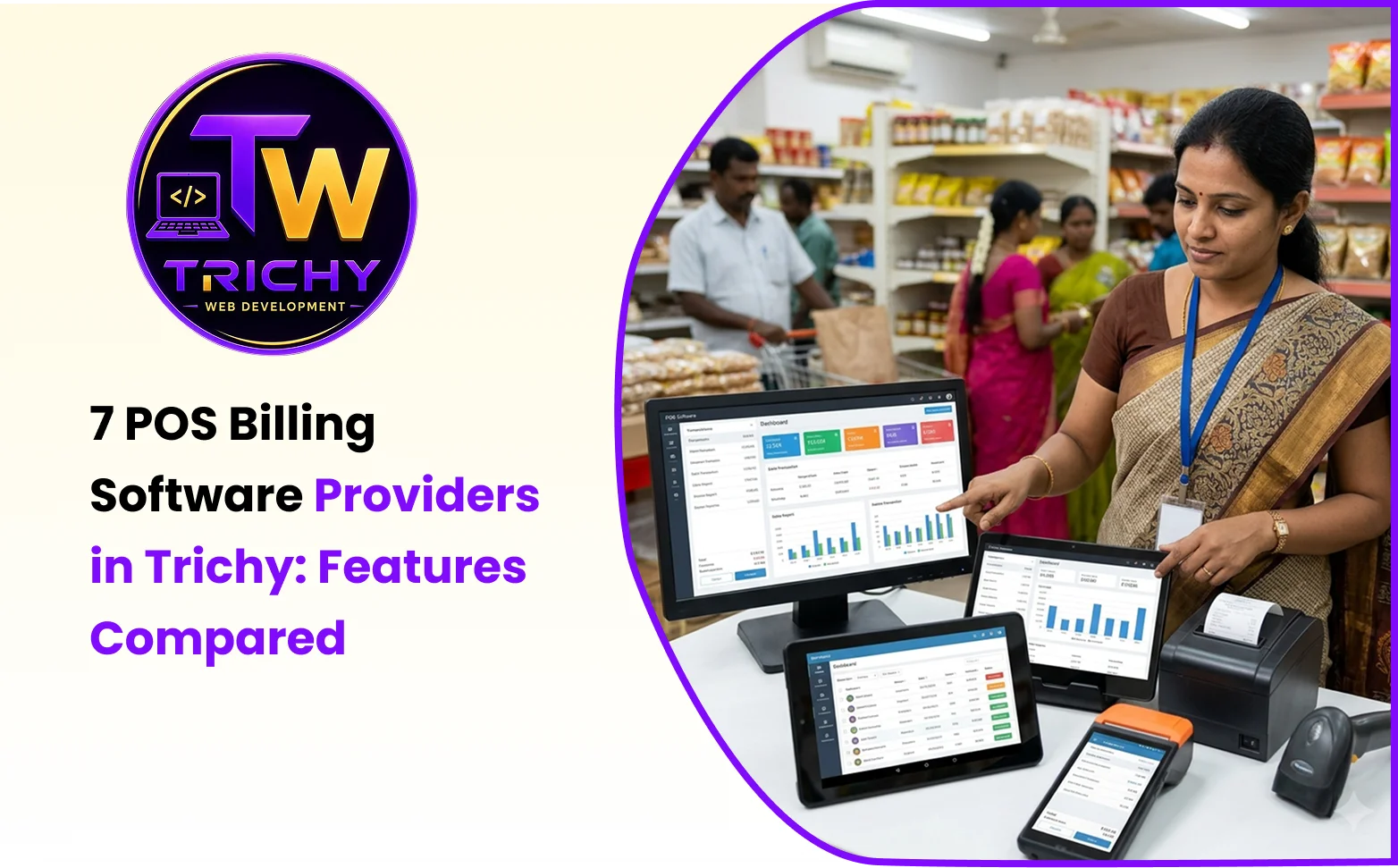
Businesses looking for POS billing software in Trichy can compare providers based on billing speed, GST invoices, barcode scanning, inventory management, payment options, reporting and customer support. Some providers focus on ready-made retail billing products, while others may offer customised software based on business requirements. This guide introduces seven providers to investigate and explains the important features businesses should check before selecting a POS system.
Introduction
Managing daily sales involves more than preparing customer bills. Retail shops, supermarkets, pharmacies, restaurants and showrooms also need to track product quantities, record payments, manage purchases and review sales performance.
A Point of Sale (POS) system brings several of these activities together. It helps employees process transactions while giving business owners access to important operational information.
However, not every billing application offers the same capabilities. A small retail shop may need a simple billing interface, whereas a supermarket may require barcode scanning, multiple counters, stock management and weighing-scale integration.
Businesses in Trichy have different customsoftware providers and products to consider. Comparing their features, pricing structures, hardware compatibility and support arrangements can help identify a suitable option.
This guide introduces seven POS software providers and explains what businesses should investigate before making a purchase. The list is an editorial comparison, not a verified ranking based on customer satisfaction or independent product testing. Features and service availability should be confirmed directly with each provider.
At a Glance: 7 POS Software Providers in Trichy
| Provider | Solution area to investigate | Important consideration |
|---|---|---|
| 1. Trichy Web Development | Business software and customised application requirements | Confirm the specific POS product scope |
| 2. Freshora Digital Technologies | Business automation and software solutions | Check available billing and inventory functions |
| 3. XR Softwares | Retail billing and POS systems | Compare barcode and hardware support |
| 4. Zenoratech | Custom billing and POS applications | Review workflow flexibility |
| 5. TechFeenix | Supermarket and retail billing systems | Check weighing-scale and stock features |
| 6. Quick POS | Billing software | Verify the exact product and provider |
| 7. R I Billing Pro | Billing software | Request a feature demonstration |
The providers above have different areas of focus. A business should compare actual product capabilities rather than assume that every provider offers identical features.
1. Trichy Web Development

Trichy Web Development is included in this comparison for businesses exploring software solutions and customised business applications.
When evaluating its suitability for a POS requirement, businesses should discuss their daily billing process, product management needs and reporting expectations.
Important areas to evaluate
Billing workflow
Check whether the proposed system can handle product searches, barcode entries, discounts, payment recording, invoice generation and transaction corrections.
Inventory management
Understand how product quantities, stock updates, purchase records and inventory reports will be maintained.
GST invoicing
Discuss invoice formats, tax calculations and reporting requirements based on the business's operations.
Business reports
Ask about daily sales summaries, payment reports, stock information and employee-level access.
Integration requirements
If the business already uses accounting software, an online store or a customer management application, check whether the systems can exchange information.
Who should consider this provider?
Businesses that need to discuss a tailored software solution or connect different business operations can consider contacting Trichy Web Development.
Before making a decision, request a demonstration, written feature specification, delivery timeline, pricing breakdown and maintenance details.
2. Freshora Digital Technologies
Freshora Digital Technologies provides business technology and software-related services. Businesses considering it for billing automation should first establish whether its available services match their POS requirements.
Areas to investigate
-
Sales management: Check how product sales and customer transactions can be recorded.
-
Inventory records: Ask whether stock quantities, purchase entries and adjustments can be managed.
-
Business automation: Determine whether billing information can connect with other business activities.
-
Custom reporting: Discuss the reports needed by managers and business owners.
-
Future requirements: Understand how additional functions can be introduced as business operations change.
Who should consider this provider?
Freshora may be worth investigating when a business is considering broader software and operational automation requirements.
Request a product demonstration or written proposal to confirm its specific POS capabilities before including it in the final shortlist.
3. XR Softwares
XR Softwares is a provider to investigate for businesses looking for retail billing and POS-related solutions in Trichy.
Its published service information describes retail-oriented functions such as barcode billing, inventory management, cloud synchronisation, loyalty features and connections with counter hardware.
Features to compare
Barcode billing
Check how quickly employees can scan products, retrieve prices and prepare customer invoices.
Inventory tracking
Understand how stock quantities are updated after transactions and whether the software provides low-stock information.
Retail hardware
Confirm compatibility with barcode scanners, thermal printers, weighing scales and customer displays.
Customer loyalty
If the business offers rewards or membership programmes, check how customer information and loyalty points are managed.
Who should consider this provider?
Retail shops, supermarkets and showrooms can investigate XR Softwares when comparing retail-focused billing applications.
Ask for a demonstration using actual products and hardware to understand how the system performs during everyday transactions.
4. Zenoratech
Zenoratech is another provider to investigate for businesses interested in POS and billing applications.
Its published service information discusses customised billing systems for retail shops, restaurants and trading businesses.
Important features to check
-
Invoice generation: Check the available billing formats and GST-related functions.
-
Product management: Understand how product details, prices and categories are maintained.
-
Purchase records: Ask whether the application supports purchase entries and stock updates.
-
Employee permissions: Check whether different access levels can be assigned to cashiers and managers.
-
Business reports: Review the available sales, inventory and transaction reports.
What should businesses ask?
Before selecting a customised application, clarify whether it works on existing computers and devices, which printers and scanners are supported, and how business data is stored.
Also discuss installation, employee training, software ownership and ongoing technical support.
Who should consider this provider?
Businesses looking for billing workflows that may require adjustments to their operational processes can investigate Zenoratech.
Compare its proposed features and overall cost with ready-made billing products before making a decision.
5. TechFeenix
TechFeenix is worth investigating for businesses looking for supermarket billing and retail counter solutions in Trichy and Tamil Nadu.
Its published service information discusses barcode billing, weighing-scale integration, inventory systems and warehouse-related operations.
Areas to evaluate
Supermarket billing
Check product scanning, transaction processing, discount handling and invoice printing.
Weighing-scale support
Grocery businesses should confirm whether the system supports their weighing equipment and required product pricing workflows.
Warehouse management
Businesses handling large product quantities should examine purchase entries, stock transfers and inventory updates.
Sales reporting
Ask whether the application provides daily sales summaries, product-level reports and stock movement information.
Who should consider this provider?
Supermarkets and retail businesses can investigate TechFeenix when comparing billing systems that involve counter hardware and inventory operations.
Request a demonstration based on the store's actual checkout requirements.
6. Quick POS
Quick POS is another name to investigate when comparing billing software options.
However, the name is used by different POS products and services, so businesses should confirm the exact provider and product before proceeding.
Features to verify
-
Product registration and billing.
-
GST invoice generation.
-
Barcode scanning.
-
Inventory updates.
-
Payment recording.
-
Sales and transaction reports.
-
Data backup and export.
-
Offline billing availability.
Who should consider this provider?
Businesses interested in comparing ready-made billing applications can include Quick POS in their initial research.
Before purchasing, confirm the software version, supported business categories, licensing arrangements and available technical support.
7. R I Billing Pro
R I Billing Pro is included as a local billing software provider to investigate in Trichy.
Businesses should obtain direct product information because publicly available business listings alone do not establish the complete feature set.
What to investigate
Product configuration
Check how products, prices, taxes and discounts are maintained.
Invoice management
Ask about invoice formats, printing options and transaction records.
Stock information
Determine whether the system maintains stock quantities and purchase records.
Sales reports
Review the available daily sales, payment and inventory reports.
Technical support
Understand how software issues are reported and whether installation assistance is available.
Who should consider this provider?
Businesses interested in locally available billing applications can contact R I Billing Pro for further information.
Request a live demonstration and written quotation before comparing it with other options.
Important POS Billing Features to Compare
Choosing a billing application based only on its name or price can create problems later. Businesses should understand which features are necessary for their daily operations.
1. GST Invoice Generation
The software should support the invoice formats and tax calculations required by the business. Check whether invoices can be printed, downloaded and exported in the required formats.
2. Barcode Scanning
Barcode scanning helps employees identify products without manually entering every item. It can be particularly useful for supermarkets, department stores and showrooms.
3. Inventory Management
A billing application with inventory functions can help maintain product quantities and record stock changes after sales.
4. Payment Management
Check whether the application can record cash, card, UPI and other payment methods used by the business.
5. Sales Reports
Useful reports may include daily sales, payment summaries, product performance, cashier activity and stock information.
6. Offline Billing
Businesses with unreliable internet connections should understand whether billing can continue during an outage and how transactions are synchronised afterwards.
7. Hardware Compatibility
Check compatibility with existing computers, barcode scanners, thermal printers, cash drawers and weighing scales.
8. User Access Management
Different employees may require different permissions. Check whether the application supports separate cashier, supervisor and administrator accounts.
POS Software Pricing: What Should Businesses Consider?
POS software pricing varies depending on the product, number of users, business size and required features.
A basic billing application may have a relatively simple pricing structure, while a multi-counter retail system may require additional modules and hardware.
Consider the following cost factors before purchasing.
1. Software licence or subscription
Check whether the provider charges monthly, annually or through a one-time licence.
2. Hardware expenses
Barcode scanners, thermal printers, cash drawers, computers and weighing scales may add to the overall investment.
3. Installation and configuration
Product imports, printer configuration, initial setup and data migration may involve additional charges.
4. Number of counters
Businesses operating multiple billing counters should check whether additional users or devices require separate licences.
5. Maintenance and updates
Ask whether technical assistance, software updates and maintenance are included in the quoted price.
6. Additional integrations
Accounting connections, online stores and other business applications may involve separate integration charges.
Always request a complete quotation that includes recurring fees, hardware, installation, training and support.
Which POS Features Are Suitable for Different Businesses?
Different industries have different billing and inventory requirements.
| Business type | Recommended features to evaluate |
|---|---|
| Small retail shop | Fast billing, GST invoices and basic inventory |
| Supermarket | Barcode scanning, multiple counters and stock management |
| Pharmacy | Batch records, expiry tracking and product management |
| Textile shop | Size, colour and product variant management |
| Restaurant | Table orders, kitchen tickets and menu management |
| Wholesale business | Bulk pricing, customer credit and purchase records |
| Showroom | Product catalogue, barcode billing and sales reports |
| Multi-branch retailer | Centralised inventory and branch-level reports |
These are general requirements. Businesses should verify whether their selected product supports the exact functions they need.
How to Choose the Right POS Billing Software
A structured evaluation makes it easier to compare different products.
Step 1: Understand your billing requirements
Identify how many products you sell, how many employees handle billing and how many counters are operational.
Step 2: List essential features
Separate necessary functions from optional features. This prevents businesses from paying for features they may never use.
Step 3: Compare available products
Review the billing interface, inventory features, payment methods, reporting options and hardware requirements.
Step 4: Request a live demonstration
Ask providers to demonstrate actual billing activities, including product scanning, discounts, invoice printing and returns.
Step 5: Review pricing
Compare the complete cost rather than considering only the initial software price.
Step 6: Check data security
Understand how information is stored, backed up and exported. Ask about access controls and data recovery procedures.
Step 7: Confirm customer support
Discuss support availability, software updates, training and issue-resolution procedures.
Common Mistakes to Avoid When Selecting POS Software
Choosing based only on price: A cheaper product may not include the features required for daily business operations.
Ignoring hardware compatibility: Confirm scanner, printer and computer compatibility before purchasing.
Not testing billing workflows: A live demonstration helps identify practical limitations.
Overlooking data backups: Business owners should understand how transaction records are protected.
Ignoring employee training: Employees should know how to handle billing, returns, discounts and stock adjustments.
Not checking future requirements: Consider whether the application can support additional counters, products or outlets as the business grows.
Conclusion
Selecting a suitable POS billing application requires more than comparing product names and advertised features. Businesses should understand their billing processes, inventory requirements, hardware needs and reporting expectations before making a decision. The seven providers discussed in this guide offer different areas to investigate. Trichy Web Development, Freshora Digital Technologies, XR Softwares, Zenoratech, TechFeenix, Quick POS and R I Billing Pro can be included in an initial research list, subject to verification of their current products and services.