Introduction
Learning web development involves more than understanding HTML, CSS, JavaScript or a backend programming language. Students often spend hours watching tutorials, completing coding exercises and practising individual programming concepts. Although these activities build technical knowledge, they do not always demonstrate whether a student can develop a complete working application.
This is where a project portfolio becomes valuable. A developer portfolio provides practical evidence of how a learner applies programming knowledge to solve problems, organise code, build interfaces and develop functional applications.
For students learning web development, turning coding practice into a developer portfolio requires a shift from solving isolated exercises to building projects with clear objectives. Instead of simply completing another tutorial, students can use the concepts they already know to create applications that demonstrate their development abilities.
A structured approach can help students transform regular coding practice into meaningful project experience and build a portfolio that supports internship applications, placement preparation and entry-level development opportunities.
1. Understand the Difference Between Coding Practice and Project Development
Coding practice and project development are connected, but they serve different purposes.
Coding exercises generally focus on individual programming concepts. A student may practise JavaScript functions, CSS layouts, array operations or form validation through separate exercises. These activities help improve technical understanding and problem-solving skills.
Project development requires students to combine multiple concepts to achieve a complete objective. For example, creating a task management application may involve designing a user interface, handling form submissions, storing information, validating inputs and displaying updated records.
A completed project demonstrates how different technical skills work together.
Students should therefore use coding exercises as building blocks for larger applications rather than treating every exercise as an independent learning activity.
2. Choose Coding Practice Activities That Support Project Development
Not every coding exercise needs to become a portfolio project. Students should identify practice activities that can be extended into practical website features or web application components.
For example, JavaScript exercises involving arrays and objects can support product filtering, search functionality and dynamic content rendering. CSS layout exercises can become reusable website sections, while form validation practice can be applied to registration and enquiry forms.
Students who need guidance in selecting suitable learning resources can explore this guide to coding practice platforms for engineering students in India. It compares platforms that support programming fundamentals, data structures, problem-solving and interview preparation.
After selecting a practice resource, students should identify how the concepts they learn can be applied to a practical development requirement.
This creates a connection between regular coding practice and portfolio development.
3. Start With Small Projects Based on Individual Concepts
Students do not need to begin with complicated applications. Small projects are useful for demonstrating specific development skills while providing opportunities to practise independently.
Some suitable starting projects include:
Personal Portfolio Website: Build a responsive website containing an introduction, technical skills, project details and contact information. This helps students practise HTML structure, CSS layouts and responsive design.
Task Management Application: Create an application where users can add, edit, complete and remove tasks. This provides opportunities to practise JavaScript logic, event handling and data management.
Calculator Application: Develop a calculator that handles basic arithmetic operations. Students can demonstrate input handling, conditional logic and interface interactions.
Weather Information Interface: Build an interface that displays weather information using an available API. This introduces students to asynchronous JavaScript, API requests and dynamic data rendering.
Student Record Management System: Create an application to add, view, update and delete student records. This can demonstrate form handling, database operations and backend development when supported by a suitable technology stack.
Each project should have a clear purpose and working functionality rather than being created only to match a tutorial.
4. Convert Tutorial-Based Learning Into Independent Development
Following tutorials can help students understand development techniques, but copying an entire tutorial project does not necessarily demonstrate independent problem-solving ability.
After completing a tutorial, students should try rebuilding the application without continuously referring to the original instructions.
They can also introduce additional requirements to make the project different. For example, a basic task application can be extended with task categories, priority levels, search functionality or status filters.
This process helps students identify whether they understand the underlying concepts.
When something does not work, they should investigate the issue, read error messages, test possible solutions and document the changes. These activities are important parts of real development work.
A useful approach is to follow three stages: learn the concept, implement it independently and extend it with an additional feature.
5. Build Projects That Demonstrate Different Development Skills
A strong developer portfolio should demonstrate a range of technical abilities rather than contain several projects that perform almost identical functions.
Students learning frontend development can create projects that demonstrate responsive layouts, interactive interfaces, reusable components and browser-based functionality.
Those interested in backend development can build applications involving authentication, database operations, API development, server-side validation and data management.
Full-stack development students can combine these skills into applications that connect frontend interfaces with backend services.
A balanced beginner portfolio might include:
-
A responsive personal portfolio website to demonstrate frontend fundamentals.
-
A dynamic application to demonstrate JavaScript and user interactions.
-
A database-connected application to demonstrate backend development.
-
An API-based project to demonstrate external data integration.
-
A larger application that combines multiple development concepts.
Students should select projects that match their current technical level and gradually increase their complexity.
6. Make Every Project Functional and User-Friendly
A project should do more than display an attractive design. Its core functionality should work as expected.
Before adding advanced features, students should test the basic user journey. Buttons should perform their intended actions, forms should validate inputs, navigation should work correctly and important information should be displayed clearly.
Responsive behaviour is also important. A website should be tested on different screen sizes to identify layout problems and usability issues.
Students should pay attention to loading behaviour, error messages, accessibility basics and consistent interface elements.
These improvements demonstrate that the developer has considered how an application works for its users rather than focusing exclusively on writing code.
7. Use Git and GitHub to Document Development Progress
Version control is an important part of modern software development. Students should become familiar with Git and use GitHub or another suitable repository platform to manage their project code.
A repository can show how a project developed over time through commits, feature additions and bug fixes.
Students should organise their project files clearly and maintain meaningful commit messages. They should also avoid uploading passwords, API secrets or other sensitive information.
Each project repository should contain a README file explaining:
-
What the project does and the problem it addresses.
-
Which programming languages and technologies were used.
-
The main features and functionality.
-
Installation and execution instructions.
-
Screenshots or a demonstration link, where available.
-
Known limitations or planned improvements.
A well-maintained repository makes it easier for reviewers to understand the project and examine the implementation.
8. Write Clear Project Descriptions in Your Portfolio
A project portfolio should explain not only what students built but also how they approached the development process.
For each project, include a short description of its purpose, the problem it addresses and the technologies used.
Students should highlight their specific contributions, especially when working on team projects. They can describe the features they implemented, technical challenges they encountered and how they resolved them.
For example, instead of writing that a project is simply a student management system, explain that it allows users to add, update, search and manage student records through a responsive interface connected to a database.
Clear descriptions help reviewers understand the practical value of each project.
Students should also include live demonstrations when possible, provided the application is deployed and functioning correctly.
9. Deploy Projects and Test Them Before Sharing
A project becomes easier to evaluate when reviewers can access a working demonstration.
Frontend projects can be deployed using suitable hosting services, while full-stack applications may require hosting for both the frontend and backend, along with database configuration.
Before sharing a deployment link, students should verify that the application works outside their local development environment.
Important checks include:
-
Confirm that all pages and navigation links work correctly.
-
Test forms and interactive features.
-
Check the website on mobile and desktop screens.
-
Verify API connections and database operations.
-
Check for missing images, broken resources and console errors.
-
Ensure that the deployment does not expose private credentials or test data.
Students should also keep repository links and live demonstration links updated in their portfolio.
10. Create a Portfolio That Reflects Your Development Skills
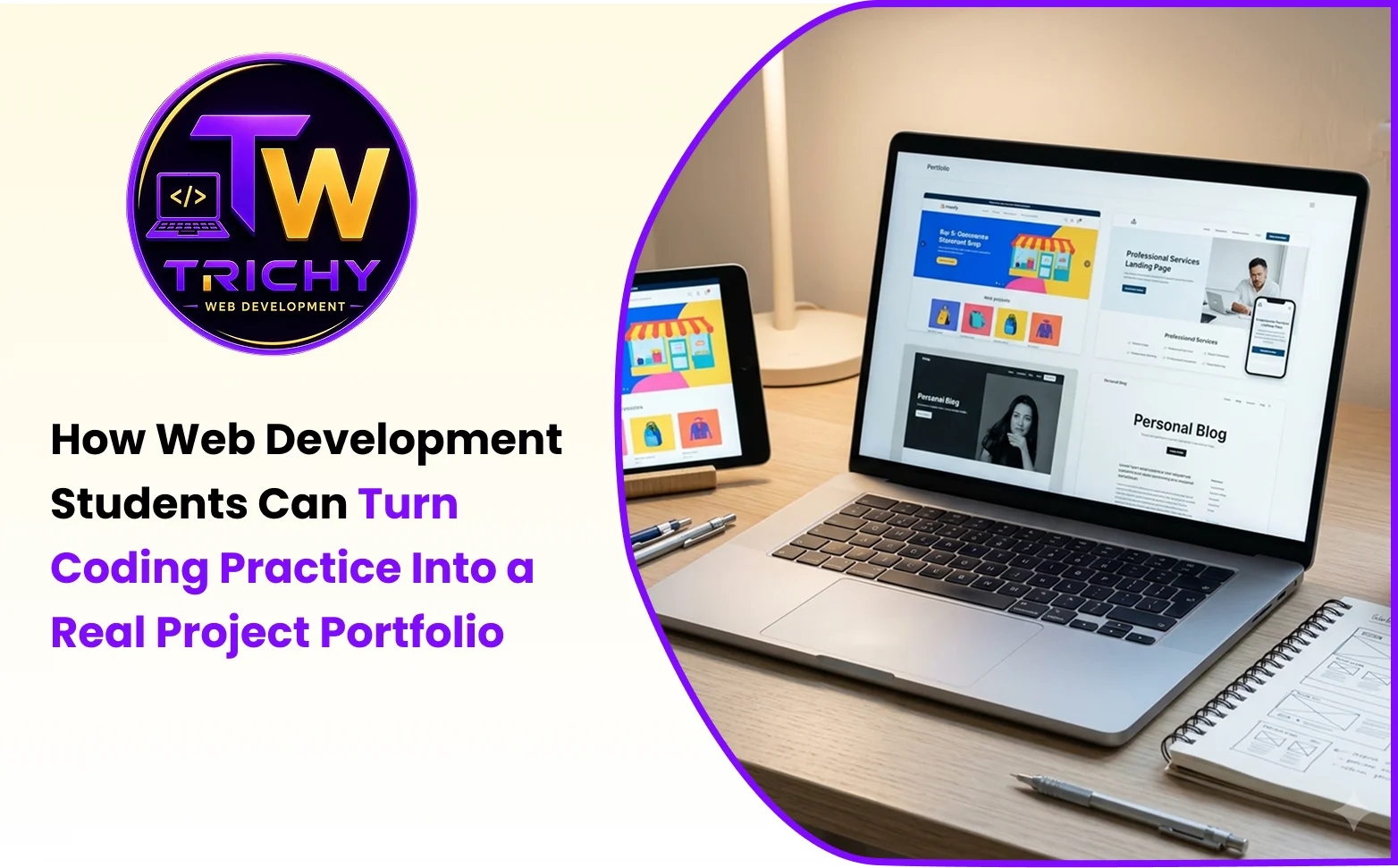
Once several projects are completed, students can organise them into a personal portfolio website.
The portfolio should provide a clear overview of their technical background and development experience.
A useful structure includes an introduction, skills section, selected projects, education or relevant learning experience and contact information.
Project cards should display the project name, a short description, technologies used, repository link and live demonstration link where available.
Students should prioritise their strongest projects instead of displaying every exercise they have completed. A smaller collection of well-documented, functional applications can communicate development ability more effectively than a large collection of unfinished projects.
The portfolio should also be easy to navigate, mobile-friendly and regularly updated as new projects are completed.
11. Common Mistakes Students Should Avoid
Students can spend considerable time learning development technologies without creating a portfolio that demonstrates their abilities. Some common mistakes include:
-
Copying tutorial projects without modifications: Students should extend or independently recreate tutorial applications to demonstrate their understanding.
-
Building projects without clear objectives: Every project should solve a defined problem or demonstrate a specific technical skill.
-
Ignoring backend functionality: Students interested in full-stack development should learn how interfaces connect with server-side logic and databases.
-
Leaving projects unfinished: It is better to complete a smaller working application than maintain several incomplete projects.
-
Not documenting source code: Clear repository descriptions and setup instructions make projects easier to review.
-
Ignoring responsive design: Students should test applications across different screen sizes.
-
Displaying broken deployment links: Every live demonstration should be checked before being included in a portfolio.
-
Listing technologies without demonstrating them: A skills section becomes more credible when supported by relevant project examples.
Avoiding these mistakes helps students create a portfolio that reflects genuine learning and practical development experience.
12. A Practical 30-Day Plan to Turn Coding Practice Into a Portfolio
Students who are unsure where to begin can follow a simple four-week development plan.
Week 1 – Strengthen Fundamentals
Choose one primary technology stack and revise the concepts required for a small project. Practise HTML, CSS, JavaScript and basic programming logic. Identify one project idea based on these concepts.
Week 2 – Build the First Application
Create the basic application structure and implement its essential features. Focus on functionality before spending too much time on visual improvements.
Week 3 – Improve and Document the Project
Add useful features, test the application, resolve errors and organise the source code. Prepare a README file with project details, technologies and setup instructions.
Week 4 – Deploy and Present the Project
Deploy the application, test the live version and add it to a personal portfolio website. Review the project description and make sure repository and demonstration links work correctly.
After completing the first project, students can repeat the process with a different application that demonstrates additional development skills.
How Trichy Web Development Relates to Practical Web Development Skills
Understanding programming concepts is an important starting point, but applying those concepts through practical website and application development helps students understand real development workflows.
Trichy Web Development focuses on website development and technical solutions involving modern web technologies. Its development-related perspective highlights the importance of planning website structures, implementing functionality and considering technical requirements beyond visual presentation.
For students building a portfolio, these areas provide useful examples of the skills they can work towards demonstrating through independent projects.
The objective should be to understand how individual programming concepts contribute to a complete website or application, including its interface, functionality, content structure and technical implementation.
Students should use their project work to demonstrate what they can build, how they approach development challenges and how they apply their technical knowledge.
Conclusion
Turning coding practice into a developer portfolio requires consistency, independent implementation and practical project development. Coding exercises help students understand individual concepts, while projects demonstrate how those concepts can work together to solve real requirements.
Students should begin with small applications, gradually introduce more complex features, maintain their code through version control and document their work clearly. Deploying completed projects and presenting them through a personal portfolio makes their development experience easier to evaluate.
A meaningful portfolio is not measured only by the number of projects it contains. It is built through working applications, clear technical explanations and evidence of independent problem-solving. By following a structured approach, web development students can transform regular coding practice into practical experience that supports their future careers.